Every business runs on a set of apps. The CRM, the project board, the accounts package, the spreadsheet the ops team lives in, the Slack channel that needs to know. Much of the information those apps need arrives through a form on the website, and someone copies it across.
With Gravity Forms, you can build the form that collects the data your business needs. And with the Zapier Add-On, each submission can trigger a Zap the moment it is sent. Zapier then passes the entry to whichever of its 8,000+ apps your business runs on.
In this article, we’ll look at everything the integration can do, how businesses are putting it to work, and what you need on the Zapier side. We’ll also cover the other ways to connect WordPress and Zapier, so you can be sure this is the right one for your forms.
What Zapier does, for anyone still deciding
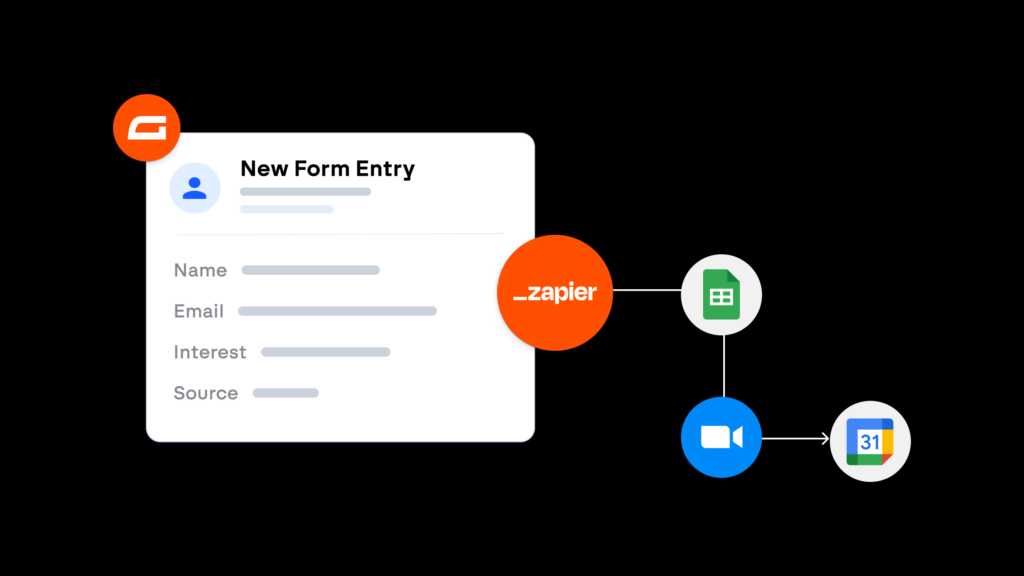
Zapier is an automation service that connects apps that don’t connect to each other. You build a Zap: a trigger in one app, such as a form being submitted, and one or more actions in others, such as adding a row to Google Sheets, creating a deal in Pipedrive, and posting to Microsoft Teams.
Zapier watches for the trigger and runs the actions, with no code and no developer. It’s the way most businesses link the tools they already pay for, and it’s the answer when the tool you need isn’t on anyone’s integrations list. The trigger has to come from somewhere, though, and for a website, that’s often the form.
What the Zapier integration does for your business

The Zapier Add-On sends a submission from any form on your WordPress site to Zapier as it happens, and a Zap takes it from there. Here’s what that means for the people who run your business:
- The apps without an add-on are covered: Gravity Forms has add-ons for the big CRMs and email platforms. For everything else, from Notion and Asana to Xero and QuickBooks, the Zap is the connection, and it’s the same setup every time.
- The data goes where the work happens: Every field on the form is available to the Zap, so a quote request can create a deal in Keap, a task in Monday.com, and a record in Airtable, each with the details that app needs, without anyone retyping it.
- Nothing waits for a sync: The Gravity Forms trigger in Zapier is instant, so the Zap starts the moment the form is submitted rather than the next time Zapier checks. The task is on the board before the notification email is opened.
- It works the other way too: Zapier can create an entry in Gravity Forms from another app, or submit the form as if a person had, which runs the notifications and the other add-on feeds. A lead from a Facebook ad can land in your form’s entries alongside the ones from the website.
Real examples
The form collects what the business needs. The Zap puts it where the business works. Here are four examples of where that makes a difference:
- Quotes that land in the pipeline: The quote request form starts a Zap that creates the deal in Pipedrive with the service and budget filled in, and posts a line in the sales channel in Microsoft Teams, so the rep sees it before the email does.
- Applications that become a hiring board: The job application form starts a Zap that adds each applicant as a card in Trello or a record in Airtable, with the resume attached, so the hiring manager shortlists from the board rather than an inbox.
- Registrations that fill the spreadsheet: The event registration form adds every attendee as a row in Google Sheets as they register, so the person running the event always has the live list without an export.
- Intake that creates the project: The client intake form starts a Zap that creates the client in Xero and the project in Asana, with the brief in the description, so the account team opens a project that’s already set up.
Setting it up
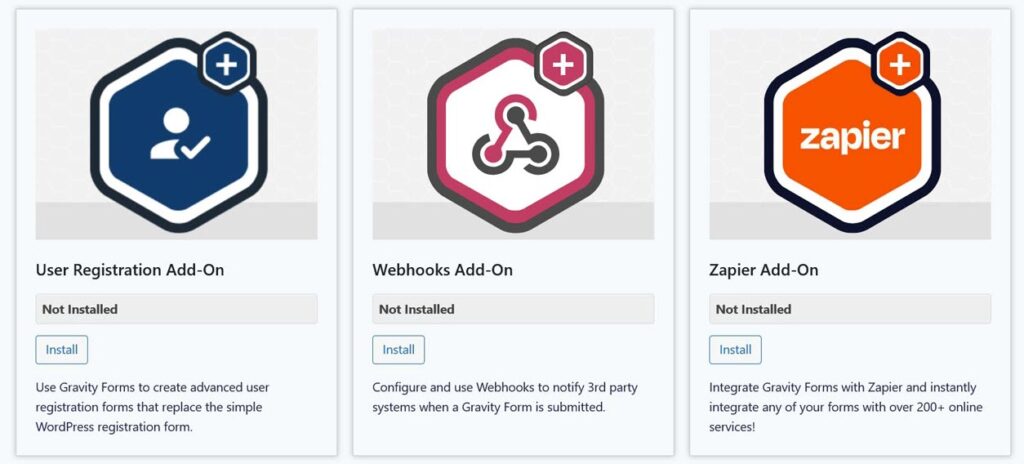
You need two things: a Gravity Forms Pro, Elite, or Nonprofit license for the Zapier Add-On, and a Zapier account. Zapier’s free plan covers simple Zaps and a small number of tasks a month, and the paid plans add multi-step Zaps and higher limits. From there, the setup is four steps:
- Install the add-on: In your WordPress dashboard, go to Forms, then Add-Ons, and install the Zapier Add-On.
- Create a REST API key: Go to Forms, then Settings, then REST API, and add a key with read and write access. Zapier uses it to connect to your site.
- Build the Zap: In Zapier, create a Zap with Gravity Forms as the trigger, connect it with your site URL and the key, choose the form, and add the actions you want.4. Send a test entry: Submit the form once and check the Zap runs and the data arrives in each app.
The setup guide for the Zapier Add-On walks through each screen.
Other ways to connect WordPress and Zapier
Zapier’s own routes come up first in any search, and it’s worth being clear about what each one does.
- Zapier’s WordPress app: This is Zapier’s own integration with WordPress itself. Its triggers and actions are about posts, pages, users, and comments, so it suits publishing workflows, such as sharing a new post to social media. It doesn’t see form submissions.
- Webhooks by Zapier: Zapier can receive data from any plugin that can send a webhook, including the Gravity Forms Webhooks Add-On. It works, but you build the request yourself and the data arrives unlabelled, which is what the Zapier Add-On saves you from.
- Other automation tools: Make, n8n, and similar services do the same job as Zapier, and Gravity Forms can reach them through the Webhooks Add-On. They suit teams who already use one of them or want to self-host.
If what you want is for form submissions to reach the apps your business uses, with the fields labelled and the trigger instant, the Zapier Add-On is the direct route, whether you already use Gravity Forms or you’re choosing a form builder now.
Frequently asked questions
Should I use the Zapier Add-On or the dedicated add-on for an app? If Gravity Forms has an add-on for the app, such as HubSpot, Mailchimp, or Salesforce, use it. It’s a direct connection with the app’s own settings on the feed, and it doesn’t use Zapier tasks. Use the Zapier Add-On for the apps that don’t have one, or when one submission needs to go to several apps in one workflow.
Does the Zapier Add-On work with forms I’ve already built? Yes. The Zap connects to any existing form on your site, so you can add a Zap to a form that’s been running for years without rebuilding it. Entries submitted before the Zap was turned on aren’t sent, only new ones.
Can I send file uploads to another app through Zapier? Yes. File upload fields are passed to the Zap as file URLs, so an action in Google Drive, Dropbox, or Airtable can take the file, and a Trello or Asana action can attach it to the card.
Every form connected to everything else
Your website’s forms already collect what the rest of your business needs. With the Zapier Add-On, each form sends data the moment an entry is submitted, to the CRM, the board, the sheet, or the channel where the work gets done.
The copying stops, and the apps you already use all get updated automatically with the right information.

Newsletter
Keep up to date with what’s happening at Gravity – sign up for the newsletter!